










Your voice, turned into a report.
A guided recording, a few minutes, and a clear report by vocal zone. That simple.
How to record your voice
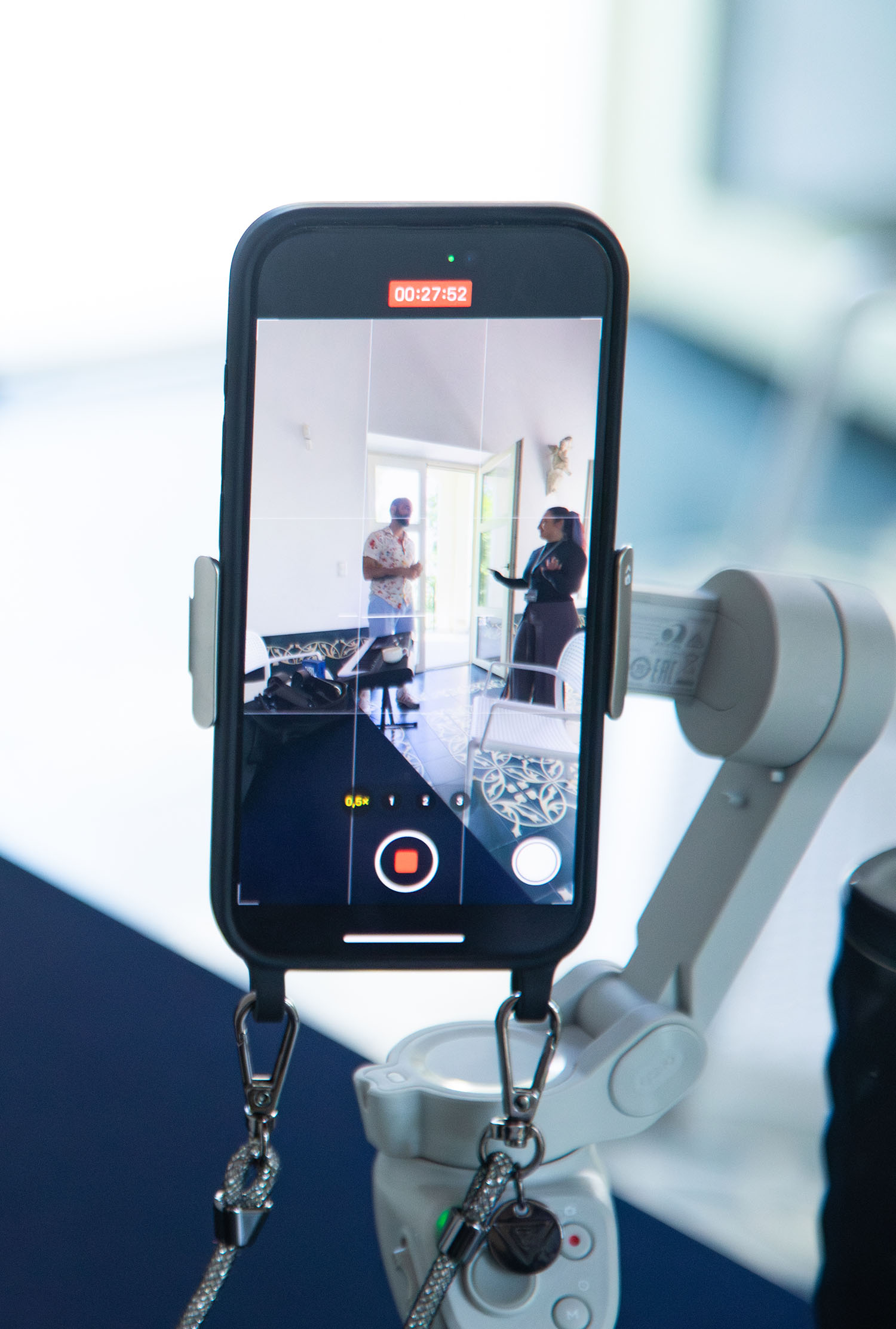
Record
Record the guided scale directly with your iPhone, in a quiet room.
Upload your recording
Go to the platform, upload the recording from your iPhone (or record it right there) and wait a few minutes.
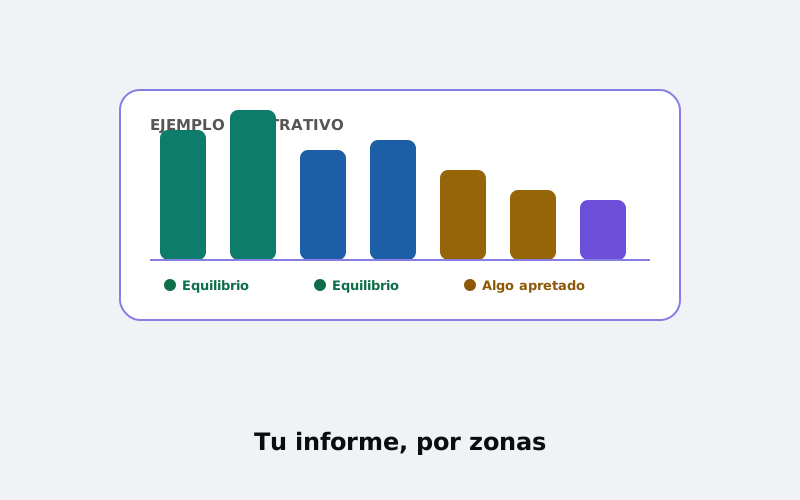
Get your report
Acoustics and artificial intelligence listen for what the ear can’t, and we send back your report by vocal zone, in clear language.
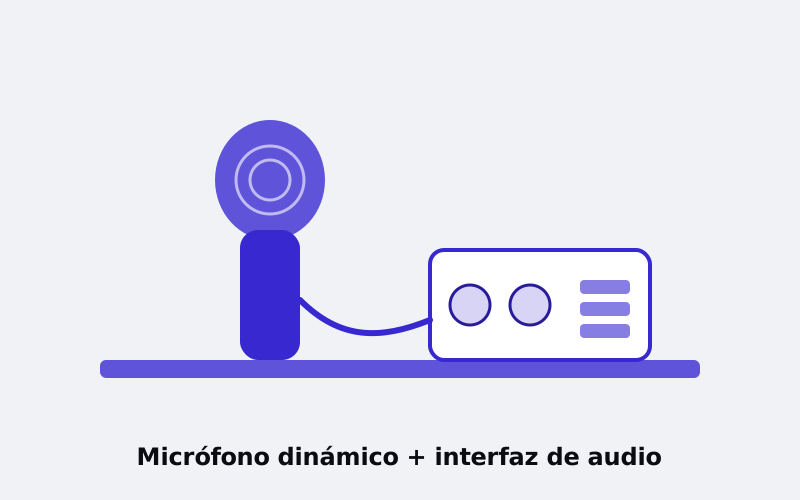
Record
Record the guided scale from your computer with the dynamic microphone and audio interface connected, saving the file in WAV format.
Upload your recording
Go to the platform, upload your WAV file (or record it right there) and wait a few minutes.
Get your report
Acoustics and artificial intelligence listen for what the ear can’t, and we send back your report by vocal zone, in clear language.
Here’s how the exercise is recorded.
It’s a five-note exercise that climbs gradually across your range. Watch the model video for your voice type and get ready in two minutes.
Before you record
A quiet room. No background music, windows closed, no fan running.
The microphone about 30 cm away, at mouth height, and don’t move it during the whole recording.
No Bluetooth headphones. Listen to the guide through the speaker or with wired headphones.
Warm up your voice a little first: two or three minutes of gentle sounds.
During the recording
- Listen to the guide: a five-note scale plays; sing an “Ah” on each note, following along.
- Climb with the guide: each scale starts a little higher than the last. 16 scales is the maximum: the guide never goes past that.
- Stop wherever you decide. If you can tell you won’t reach 16, stop at the scale you judge best: the recording is still valid. Your report will show how far your voice got today and which scales are your next goal. Forcing it doesn’t help; it only spoils the recording.
After
- With an iPhone: the recording is sent automatically from the guided app.
- Without an iPhone: save the file in WAV (uncompressed) and upload it where we tell you after your request.
- The report arrives within minutes.
Quick tips
Steady volume · Same timbre on every note · Don’t correct a note halfway through · If you make a mistake, start the whole recording over · Your voice is kept anonymous and used solely for research purposes (see privacy).
What you need
With an iPhone:
- A quiet room
- Your iPhone
- A few minutes
Without an iPhone:
- A quiet room
- A computer with a dynamic microphone (Shure-type) and audio interface
- A few minutes
What you’ll get
A report on your voice, organized by vocal zone, in clear language, with recommendations for what to work on.
Before you record
What do I need to record?
If you have an iPhone, just a quiet room and follow the guided recording. If not, a dynamic microphone (Shure-type) and an audio interface connected to your computer, and any recording software that saves in WAV.
What about Android?
The Android version is under construction. In the meantime, you can record from your computer.
How long does the report take?
The recording takes a few minutes and the report arrives within minutes.
Is my voice recording kept?
Your recording is kept completely anonymous, used solely for research purposes, with your explicit consent, and deleted after two years. It’s never linked to your identity. More detail in privacy.
Is it a medical diagnosis? It’s not a medical diagnosis: it’s guidance for singers and teachers.
It doesn’t replace the assessment of a speech therapist, phoniatrician, or ENT specialist. If you have pain, persistent hoarseness, or voice loss, see a healthcare professional.
Do I have to reach 16 scales?
No. 16 is the maximum the guide covers. If you can tell you won’t reach it, stop at the scale you judge best: the recording is still valid, and the report captures how far you got and which scales are your next goal. Never force it.
What vowel do I sing?
An open, comfortable “Ah”, the same on every note.
Can I record with headphones?
Wired, yes; Bluetooth, no (it delays the sound and distorts the recording).
More questions at What is VoiceScan.
Your report, free and instant
Go to the platform, upload your recording (or record it right there) and you’ll see your report on screen, at no cost. Then create a free account to keep your history.
Analyze your voice for free